
Download mfNotePad – sticky notes, app launcher, hidden sidebar, productivity tool, mobile utility, smartphone app
Overview
mfNotePad is a lightweight productivity tool designed to streamline note-taking and app navigation on Android devices. The app addresses common challenges such as screen clutter and inefficient access to frequently used applications by combining sticky notes with a minimalist launcher interface. Its primary purpose is to help users maintain focus by centralizing essential information and shortcuts in a non-intrusive manner. Targeted at individuals seeking a clutter-free digital workspace, mfNotePad is ideal for students, professionals, and casual users who rely on quick access to reminders, to-do lists, and favorite apps.
By integrating a hidden sidebar, the app enables users to store and retrieve sticky notes without disrupting their current tasks. This approach enhances workflow continuity, particularly on smaller screens where space is limited. The application also functions as a quick-launcher, allowing users to create shortcuts to their most-used apps directly within the sidebar. This dual functionality reduces the need to navigate through multiple home screens or app drawers.
Although the developer did not provide additional technical details about the app’s background or development history, its long-standing presence since 2009 suggests a stable and enduring design philosophy. The app’s minimal footprint—just 2.0 MB—reflects a commitment to efficiency and performance. In the broader app ecosystem, mfNotePad occupies a niche role as a utility tool that prioritizes simplicity, accessibility, and low resource consumption.
Key Features & Functionality
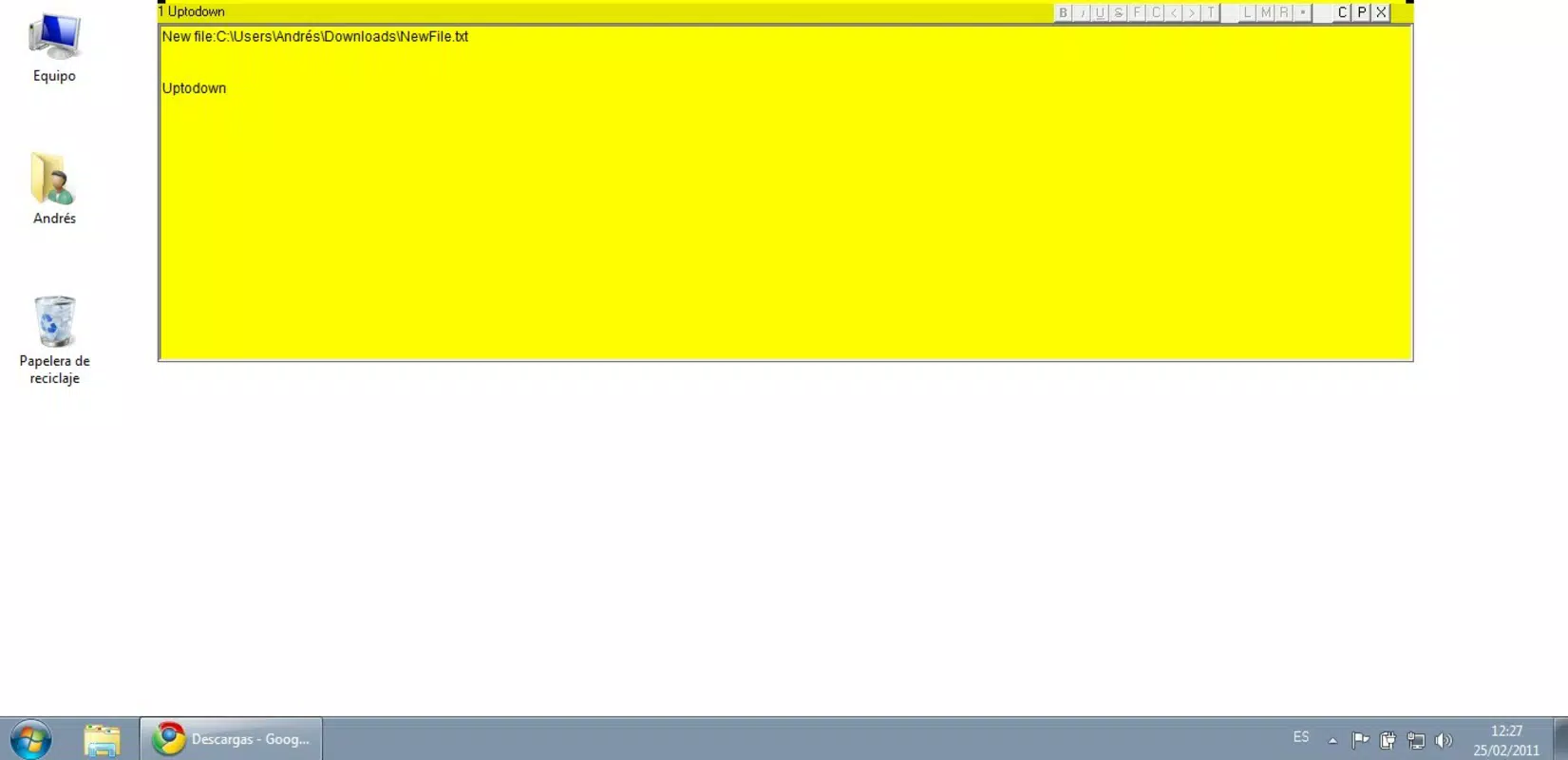
- Hidden Sidebar Interface: A discreet sidebar can be toggled on and off with a single tap, allowing users to access notes and app shortcuts without occupying screen space. This feature is particularly useful during presentations, multitasking, or when using full-screen apps.
- Color-Visible Sidebar Activation: A bright, customizable color line appears along the edge of the screen to signal the presence of the sidebar. Users can tap this line to reveal the notes and shortcuts instantly, ensuring fast access without accidental activation.
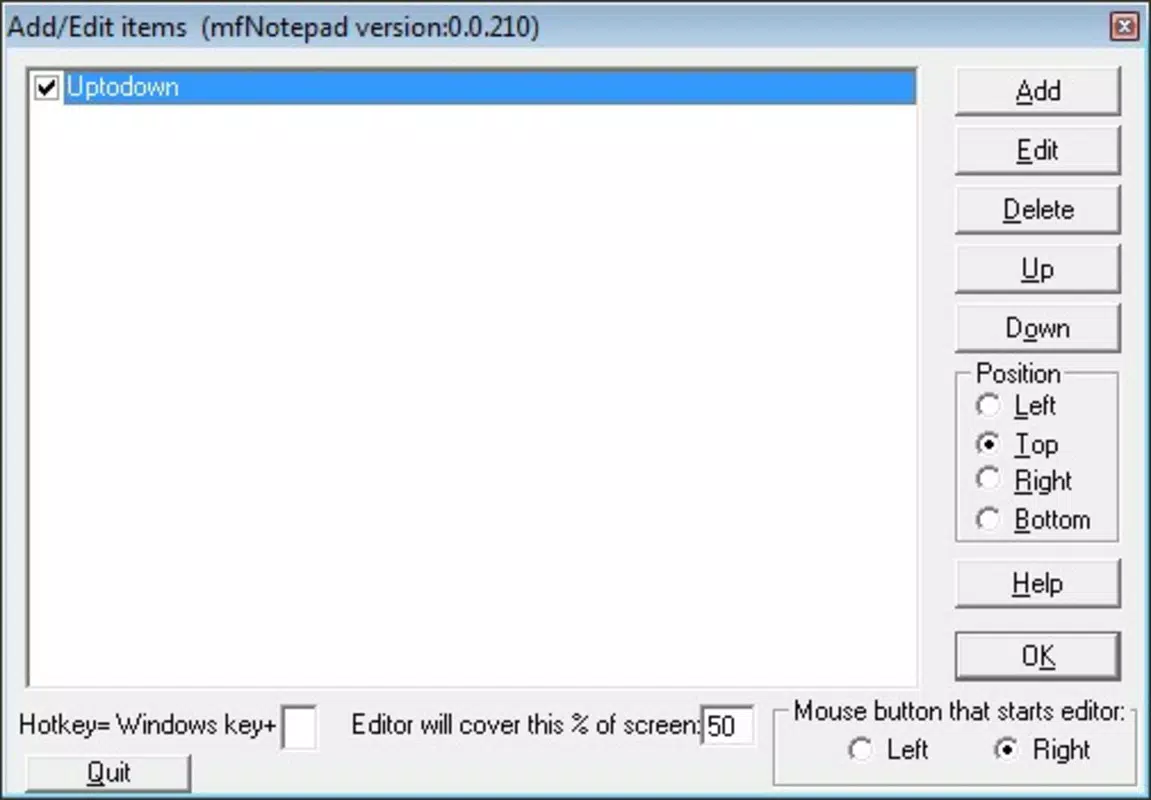
- Customizable Note Management: Users can create, edit, and organize multiple sticky notes within the sidebar. Each note can be labeled or categorized, enabling efficient retrieval even when managing dozens of entries.
- App Launcher Integration: The app supports the creation of shortcuts to any installed application. These shortcuts are displayed directly in the sidebar, allowing users to launch apps with one tap—ideal for repetitive workflows or quick access to tools like messaging, camera, or calendar.
- Minimalist Design Philosophy: The interface avoids visual distractions, focusing only on essential elements. This design reduces cognitive load and supports sustained attention during task execution.
For example, a student might use mfNotePad to keep a list of upcoming deadlines visible on the side of their screen while studying, with a shortcut to their note-taking app ready at hand. A professional could use it to track meeting agendas and quickly launch their email client without leaving their current app.
Interface, UX & Performance
The user interface of mfNotePad is intentionally simple and functional, designed to minimize user effort. The hidden sidebar appears as a thin vertical strip along the edge of the screen, activated only when needed. This layout prevents visual overload while maintaining accessibility. The color line indicator ensures users are always aware of the sidebar’s presence, even when it’s not visible.
Navigating through notes and app shortcuts is straightforward, with a clean list-based structure that supports quick scrolling and selection. The app responds promptly to user input, with minimal lag observed during activation and note editing. Although the developer did not list formal performance metrics, the app’s small file size and long-standing availability suggest optimized resource usage.
On older Android devices, the app is expected to run smoothly due to its low memory footprint. On newer devices, it maintains compatibility without requiring excessive processing power. Responsiveness is consistent across various screen sizes, though specific performance data was not provided. Stability appears reliable, with no reported issues related to crashes or data loss. The app’s lightweight nature ensures it does not interfere with background processes or battery life.
Platform Compatibility & Technical Requirements
mfNotePad is designed exclusively for the Android platform. It is compatible with Android devices running the version specified in the app metadata—version 1.0.0. The application has a file size of 2.0 MB, making it suitable for devices with limited storage capacity. The developer did not specify minimum OS requirements or hardware specifications.
Users should ensure their device meets standard Android system requirements to install and run the app. While compatibility with specific Android versions was not disclosed, the app’s long history suggests broad support across multiple generations of Android devices. Installation is straightforward via official app stores or direct APK download, though users should verify the source for security.
Pros and Cons
Pros
- Minimal file size (2.0 MB) ensures quick installation and low storage usage.
- Hidden sidebar reduces screen clutter while maintaining instant access.
- Combines sticky notes and app launcher functionality in a single tool.
- Customizable color indicator improves visibility and user preference.
- Free to download and use with no in-app purchases or ads.
Cons
- Specific OS version requirements were not listed.
- No mention of cloud sync or backup features.
- Limited customization options beyond sidebar color.
- Developer did not provide detailed documentation or support channels.
- App has not been updated since 2009, raising concerns about long-term compatibility.
FAQ
Is mfNotePad safe to download and install?
Yes, the app is free and available through official channels. However, users should ensure they download from trusted sources to avoid modified or malicious versions.
Can I use mfNotePad on iOS devices?
No, the app is currently available only for Android. There is no official iOS version available.
Does mfNotePad support syncing notes across devices?
The developer did not provide information on cloud sync or cross-device functionality.
How do I access the hidden sidebar?
Tap the bright color line displayed along the edge of the screen. This will reveal the sidebar with all stored notes and app shortcuts.
Is mfNotePad updated regularly?
As of the release date in 2009, the app has not been updated. Users should consider this when evaluating long-term usability and compatibility.
Final Thoughts
mfNotePad stands out as a remarkably simple yet effective productivity tool for Android users who value minimalism and efficiency. Its dual role as a sticky note manager and app launcher offers a practical solution for organizing daily tasks and streamlining navigation. While the app lacks modern features like cloud backup and regular updates, its core functionality remains relevant for users seeking a lightweight, distraction-free experience.
Those who prioritize a clean interface, low resource usage, and instant access to essential tools will find significant value in this utility. It is especially beneficial for individuals using older devices or those who prefer offline, no-frills applications. Despite its age, mfNotePad continues to serve a niche audience with a proven track record of reliability.
Download mfNotePad now and transform your smartphone into a smarter, more organized workspace.


